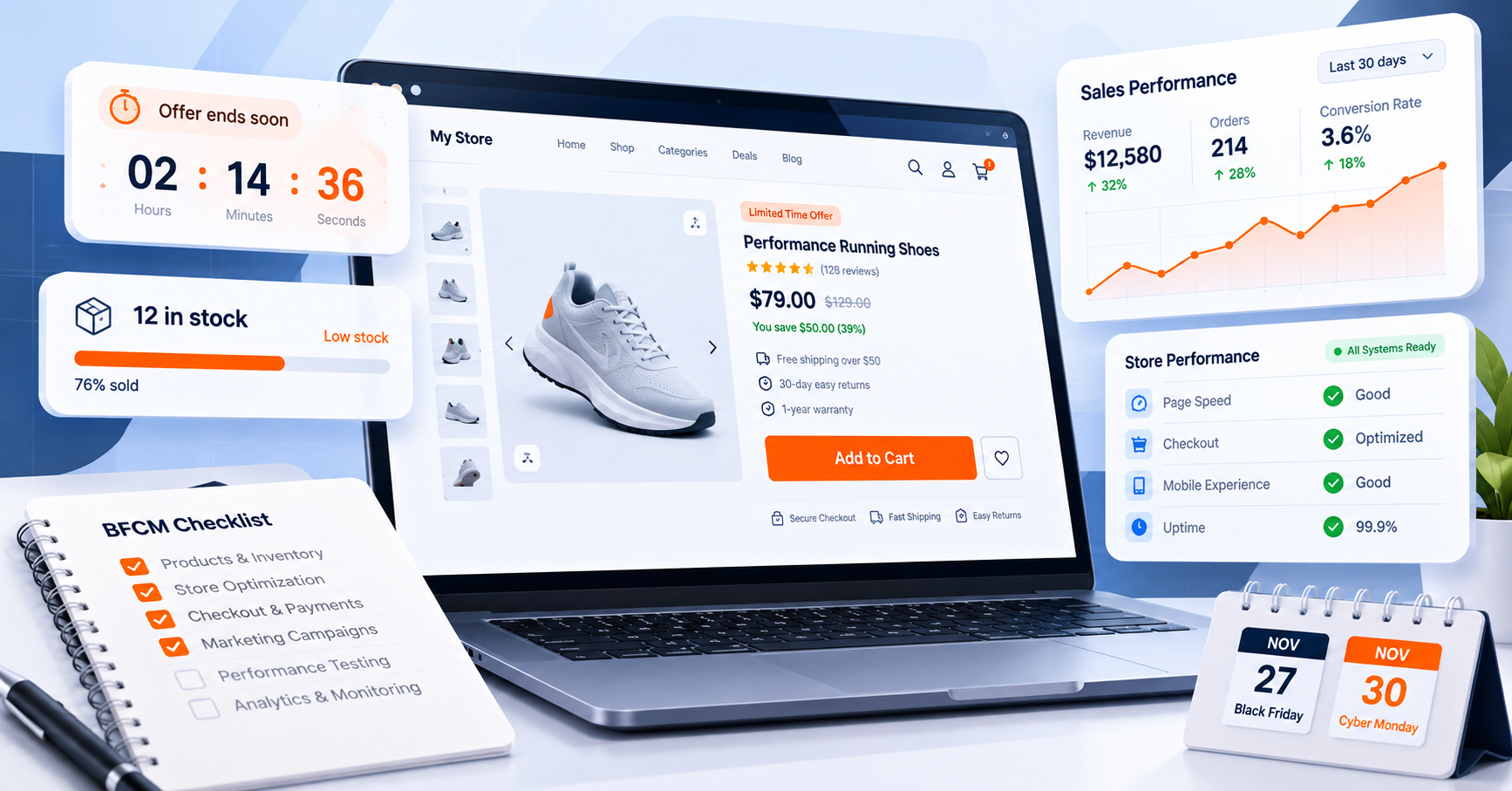
Are you looking to supercharge your WooCommerce store? WC Booster is a powerful plugin designed to enhance functionality and boost sales. This comprehensive guide serves as A Guide to Getting Started with WC Booster, walking you through the essential steps. We will cover installation, core features, and advanced options, helping you unlock the full potential of your online store.
WC Booster: Quick Start
- Start with the features that solve your store’s biggest shopping friction.
- Configure one feature at a time and test it on real product and cart flows.
- Use the documentation and demos to understand available options before scaling.
In This Guide: Core features · Getting started · Blocks · Themes and demos · FAQs
WC Booster Core Features
Understanding WC Booster’s Core Features WC Booster provides a comprehensive suite of tools. These features are all designed to improve the shopping experience. Furthermore, they help to increase your revenue. It is, therefore, important to understand what each feature does. The plugin offers free and premium functionalities. By exploring the free tools, you can get a sense of their power.
Boosting Sales with Upselling and Bulk Variations One of the most effective ways to increase revenue is through upselling. WC Booster provides intuitive upselling strategies. These tools encourage customers to purchase more expensive items. They also suggest related products. Consequently, your average order value can significantly increase. Similarly, the bulk variation feature simplifies product management. You can, therefore, manage multiple product variations with greater efficiency. This saves you valuable time and effort. It streamlines the creation of complex product listings. As a result, you can easily offer various product options to your customers.
The Mini Cart and Sticky Cart The user experience is paramount for conversions. The Mini Cart is a key feature in this regard. It allows customers to view their cart contents without leaving the current page. This reduces friction in the buying process. Therefore, it encourages customers to proceed to checkout more quickly. Additionally, the Sticky Cart is an excellent tool. It keeps the cart icon or button visible as the user scrolls. This constant visibility serves as a persistent reminder to complete their purchase. Ultimately, both features work together to create a smoother, more intuitive shopping experience.
These are just a few of the features. To discover everything included in WC Booster, explore the complete WC Booster Features and see how it can elevate your eCommerce experience.
Getting Started with WC Booster
Installation and Setup Getting the plugin up and running is straightforward. Following a few simple steps will get you started quickly. You must first install the core WC Booster plugin. Then, you can begin exploring the various tools it offers. The free version provides more than 19 different blocks. These blocks are highly customizable. Moreover, they can be easily integrated into your product pages. Consequently, you can enhance your page layouts without needing to write any code.
Here is a simple step-by-step process:
- Install the Plugin: Begin by installing the WC Booster plugin on your WordPress website. You can find detailed instructions in the official documentation on installation and activation. For a deeper understanding of this topic, we recommend reading our related post on WC Booster: step-by-step tutorial.
- Activate Core Features: After installation, activate the features you wish to use from the plugin’s settings.
- Explore the Blocks: Navigate to the “Blocks Tutorials” section of the documentation. Here, you will find guides on how to use each of the 19+ free blocks.
- Customize Your Store: Use the blocks to design new product pages or enhance existing ones. Experiment with different layouts and features.
WC Booster Blocks
WC Booster comes with free and premium blocks. The free blocks included with WC Booster also offer significant value. For instance, they allow you to create dynamic content. They also let you showcase your products in new ways. You can use them to build custom sections. For example, you can add a product slider or a call-to-action button.
- Product Comparison Block: Allows customers to compare products side-by-side.
- Single Product Carousel: Displays a carousel of products on any page.
- Testimonials Block: Lets you easily showcase customer reviews and feedback.
- Category Grid: Helps you create an organized grid of your product categories.
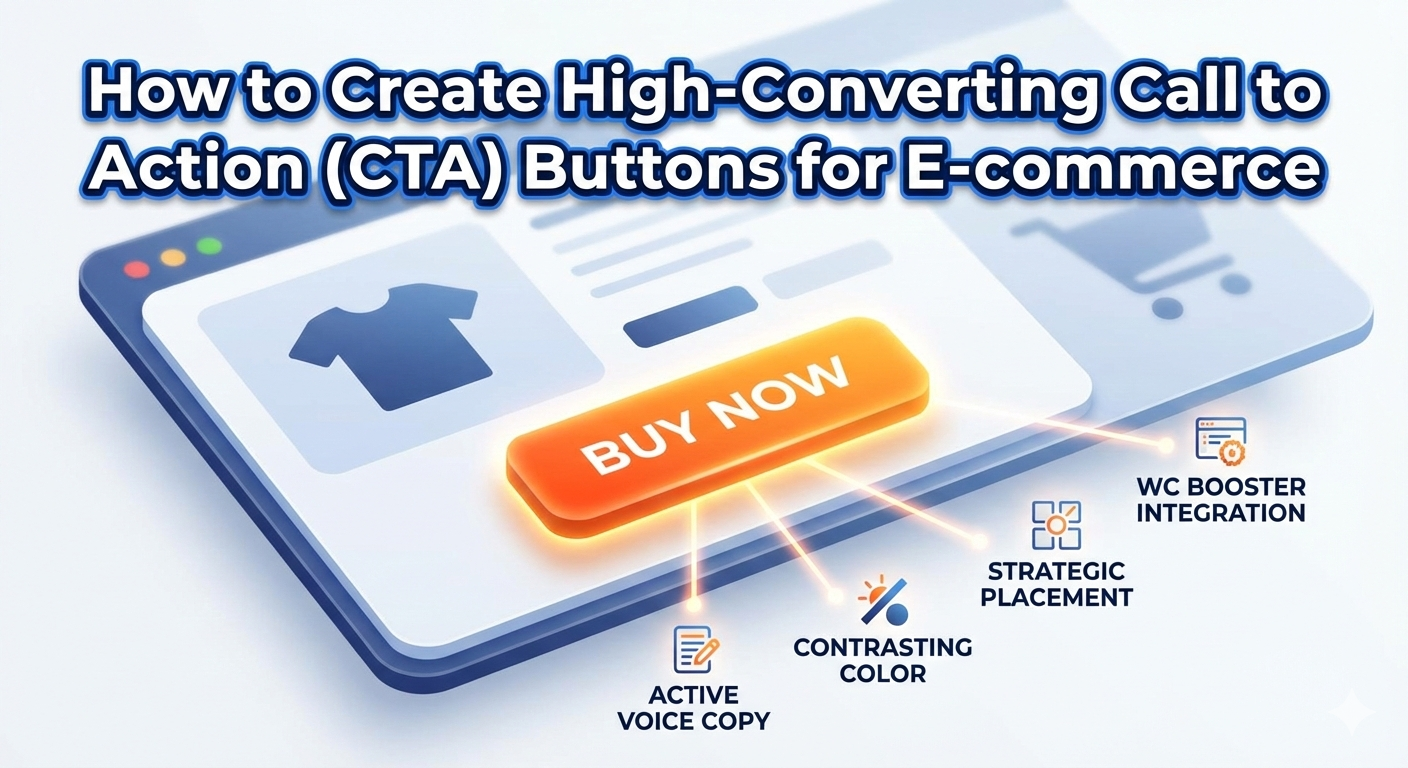
- Call to Action Block: Creates a prominent button to encourage a specific action.
These are just a few highlights. To explore all the powerful blocks included in WC Booster, take a look at the complete WC Booster Blocks collection and unlock everything it has to offer.
If you need even more functionality, you can consider purchasing premium addons. These addons are available to extend the plugin’s capabilities. They offer advanced features for your growing business.
WC Booster Themes and Demos
WC Booster themes and demos are designed to simplify the process of building professional eCommerce websites. Each demo comes with a well-structured layout, optimized product pages, and conversion-focused sections that help online stores look credible and perform better from the start. With one-click demo import, users can quickly set up a complete website structure and customize it to match their brand identity without needing technical skills.
In addition to themes and demos, WC Booster includes ready-made templates and reusable patterns for common website elements such as banners, call-to-action blocks, product highlights, and content sections. These templates and patterns allow store owners to maintain design consistency across pages while saving time during customization. Built with performance and flexibility in mind, WC Booster helps businesses create fast, scalable, and user-friendly eCommerce websites that are easy to manage and grow.
FAQs
Q: Is WC Booster free to use?
A: The core WC Booster plugin has a robust free version with over 19 blocks. Visit our official website or wordpress.org to download for free. Premium add-ons are available for purchase for advanced features.
Q: How do I install WC Booster?
A: You can install it like any other WordPress plugin. The official documentation provides a step-by-step guide on the installation process.
Q: What is the benefit of the Mini Cart?
A: The Mini Cart allows customers to view and manage their shopping cart without leaving the page they are on. This creates a smoother shopping experience and reduces cart abandonment.
Q: What are the WC Booster premium add-ons?
A: Add-ons are paid extensions that provide more advanced and specialized features. They are designed for users who need to further enhance their store’s functionality beyond the free version. Choose any pricing plan that fits as per your business model.
Q: Can I use the free blocks without any technical knowledge?
A: Yes, the blocks are user-friendly. The documentation includes dedicated tutorials to help you use them without needing to write code.
Q: What is the purpose of the Sticky Cart feature?
A: The Sticky Cart keeps the cart icon visible as a customer scrolls down a page. This acts as a persistent reminder for the customer to complete their purchase.
For detailed assistance with WC Booster, please refer to our documentation. If you need a more personalized consultation or support with a specific implementation, contact Eagle Vision IT for expert guidance. Our team is ready to help you optimize your WooCommerce store. Or, if you prefer a hands-on approach, dive into WooCommerce Store Optimization and start improving your store’s performance on your own.